TL;DR:
- A client wanted to switch her company’s information site to a new platform because she was frustrated with her page builder.
- The new platform’s marketing spoke directly to her industry. It looked like the answer.
- Research revealed she’d lose critical functionality, downgrade her SEO, and potentially need multiple paid tools to replace what she already had.
- The real problem wasn’t her existing platform. It was one component of her platform.
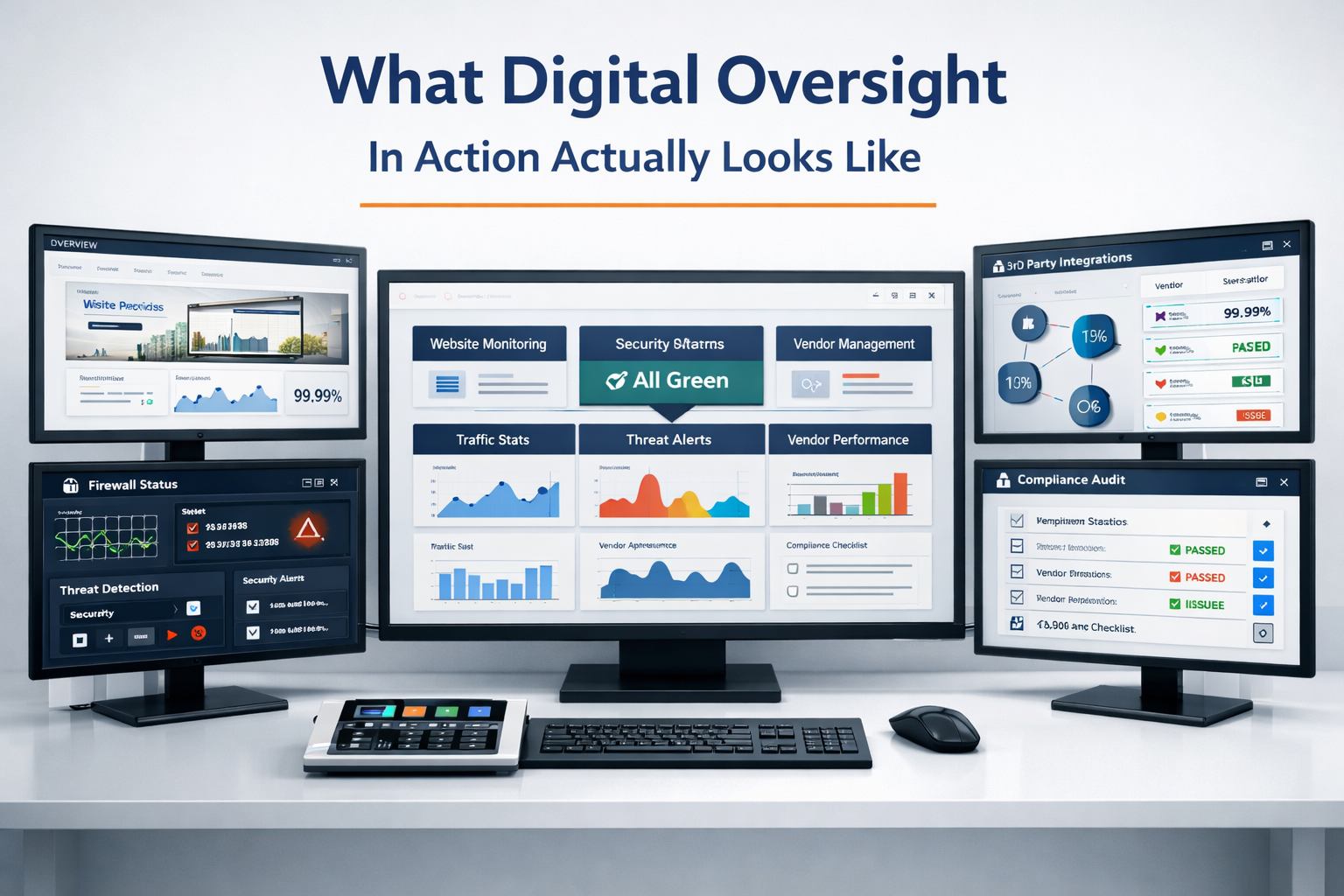
- This is what digital oversight does – decision filtering. Research before action, so you don’t pay twice.
A client reached out recently. She’d been running her business on WordPress with the Divi page builder for a while, and she was done with it. Frustrated. Over it. She’d found a new platform that promised easier designing process, beautiful coaching templates, and WordPress integration. It had a free 14-day trial. She was ready to move but stopped and asked my opinion.
I didn’t say yes. I didn’t say no. I said, “let me do the research first.” That’s the job.
The Shiny New Thing
When a tool frustrates you every time you open it, the first thing you want is something different. I fully understand it. And when a new platform has a page full of templates designed specifically for your industry – with testimonials, pretty layouts, and language that speaks directly to your business – it feels like the answer.
That’s marketing doing its job.
The platform she found is legitimate. I want to be clear about that. It’s a real product used by real businesses, and for certain use cases it works well. Photographers love it. Simple service providers do fine with it. But legitimate and right for you are two different conversations.
What I Found When I Started Digging
The first thing I noticed was what the platform’s own website did not tell me.
They had a link that said, “Learn More about [Platform] + WordPress.” I clicked it. It went to a pricing page. I didn’t, in fact, learn more. The FAQ section said the platform handles design while WordPress handles the blog. That’s it. Nothing about how the WordPress integration actually works, what you can and can’t do with it, or what the limitations are.
When a SaaS product gives you very little information on how it actually works, that tells me there’s a lot they’re not volunteering. So, I started searching.
The Search Results Were a Mess
Most of the top results were reviews written by affiliates of competing platforms. Squarespace affiliates comparing it unfavorably. The platform’s own affiliates praising it. Everyone had a referral link. Finding an unbiased technical breakdown took work.
TrustPilot had 11 reviews and gave it a 2.1-star rating out of 5. One reviewer said they’d been locked out of their own site. Another spent 8 hours trying to contact billing support. A third reported their site was hacked through the platform’s WordPress integration with two weeks of automated responses and no resolution.
I also ran it through two AI research tools – Claude and ChatGPT – to cross-reference what I was finding. When the platform’s own site won’t tell you how it works, you use every tool available to fill the gaps.
What the Platform Actually Is
Here’s what the marketing doesn’t make obvious: this platform is a visual design layer. That’s it. It’s not a CMS (content management system – the software that manages your entire website). It handles the look of your pages. For blogging, it bolts on a WordPress instance managed on their servers. That’s the extent of the WordPress integration.
If it worked with a self-hosted WordPress site, it might have value as a theme replacement. But it doesn’t. It’s a closed system.
I went through the template demos myself. They were frustrating – limited, rigid, and built for someone who’s never touched a real page builder. To be fair, I’m not the typical user. Someone with no web development experience might find the drag-and-drop fun. But anyone who’s worked in Elementor, WP Bakery, or even the native Gutenberg editor is going to hit walls fast. I now understand why it’s being compared to beginner site builders like Wix or Squarespace.
Plugins – the tools that add functionality to WordPress like SEO, forms, popups, tracking, and security – only work on the blog portion. Not on the main designed pages. If your site depends on plugins for anything beyond blog posts, those tools stop working on every page the platform designs.
SEO gets split into two separate systems. Blog posts use WordPress SEO tools. Static pages – your homepage, about page, services page, contact page – get only basic meta fields. No schema markup (the structured data that tells Google what your content means). No content analysis. Two separate sitemaps (the files that tell search engines what pages exist on your site).
Responsiveness – how your site adapts to different screen sizes – is manual. You design the desktop version. Then you design the mobile version separately. That’s double the design work on every page.
The Part That Changed Everything
My client’s company site runs 30 active plugins. That’s not unusual for a business in her industry with email capture, lead generation, SEO, compliance tools, security, and performance optimization. What’s unusual is that nobody thinks about what happens to those plugins when you switch platforms.
So, I went through them. Every one. Here’s what the move would look like:
3 things get simpler.
Security, caching, and backups. The new platform handles those on their end. That’s a genuine win. Less maintenance for her.
2 things are replaceable without much pain.
Tracking pixels (the code that connects your site to Google Analytics and Facebook) and basic contact forms. You’d reconfigure them, but workable.
1 thing needs a workaround.
Email capture forms. Her current plugin drops MailerLite forms anywhere on the site. On the new platform, she’d need to embed them via code snippets. Doable, but clunkier and more work to style.
4 things are gone or downgraded.
SEO on every non-blog page. Her popup system that works to capture email signups. Her quiz funnel – a lead generation tool built into her site.
To get those back, she’d need to subscribe to 2-3 separate SaaS tools. New monthly or annual costs. New dashboards. New things to manage. All to get back to where she already was.
The things she’d gain are maintenance items. The things she’d lose are revenue and compliance items. That’s the wrong trade.
The Real Problem Wasn’t WordPress
Here’s what the research made clear: she wasn’t frustrated with WordPress. She was frustrated with Divi. Those are different things.
Divi is one page builder. WordPress has others. Elementor, WP Bakery, Cornerstone, and more. Switching builders within WordPress preserves every single plugin, every piece of functionality, every SEO configuration. The redesign effort is real either way. But the functionality gap is zero.
I showed her a live demo of one of my own pages in Elementor so she could see the difference. I also gave her a “creative AI” option with another WordPress builder that might work for her.
She should use the 14-day free trial over a weekend with no interruptions to see if it fits what she actually wants.
No matter which direction she goes, it’s going to be a rebuild. The question was whether she’d rebuild with everything intact or rebuild and lose functionality she didn’t know she was losing.
This Is the Difference
A webmaster’s typical role is to say “sure, I’ll rebuild it on the new platform.” Bills the hours. Moves on.
A webmaster who does digital oversight says, “let me find out if you should.” No self-preservation. No bias toward billable hours.
Here’s what that process looked like for this client:
- Researched the platform independently – not just the marketing page
- Cross-referenced multiple sources and flagged affiliate bias in the reviews
- Audited her actual plugin stack against the new platform’s capabilities
- Identified what she’d lose, what she’d keep, and what would cost more
- Presented multiple options with trade-offs instead of one answer
- Used multiple AI models as a research board to find gaps the marketing and search results didn’t mention.
- Delivered a full written assessment before she committed to anything
That last point matters. The assessment was delivered before any money was spent, any migration started, or any contract signed. She can make her decision with full information. Not with frustration and a pretty template page.
That’s oversight. Not task execution. Not saying yes. Not saying no. Doing the work to find the data to help decide which answer is right for the specific client.
Want Someone Researching Before You Rebuild?
If you’re thinking about switching platforms, switching tools, or rebuilding your site – and you want someone to do the research before you commit to anything – that’s what the Digital Oversight Partnership is built for. Not task execution. Decision support. The kind that saves you from paying twice.