TL;DR:
- Business email compromise (BEC) – where scammers infiltrate your actual email account and wait – cost businesses close to $2.8 billion in reported losses in 2024
- A Webmaster For Hire commercial real estate client used the same password everywhere. His credentials were exposed in the 2012 LinkedIn data breach – 164 million records, passwords cracked almost immediately – and his email had appeared in 25 known breaches before a scammer finally used one to get into his business email in 2022.
- The scammer sat inside the inbox for weeks, watching wire transfer patterns, before making a move.
- BEC is not a single phishing email. It is a slow, calculated infiltration – and by the time you notice, the damage is already done.
- Hackers sell stolen credentials in industry-specific packets on the dark web. If your business handles wire transfers, sensitive records, or public infrastructure, you are a target by design – not by accident.
- Check haveibeenpwned.com right now to see if your email credentials have been exposed in a breach.
- Email security is about behavior and process – not just spam filters.
In 2012, LinkedIn was hacked. The company reported roughly 6.5 million passwords stolen and forced a password reset on those accounts. Four years later, the full scope surfaced – a hacker began selling approximately 164 million email and password combinations from that same breach on a dark market site. The passwords had been stored as SHA1 hashes without salt – a weak protection method even at the time – and the vast majority were cracked within days of the data going public.
A client of ours in commercial real estate was in that breach. He was also part of 24 other data breaches.
He used the same password everywhere. LinkedIn, email, other website login, CRM – one password across the board. We talked about not having an easy password and same use everywhere, more than once. And with 25 known breaches tied to his email address, his credentials were not hard to find. They were sitting on the dark web most likely waiting to be sold in a packet along with other commercial real estate brokers.
In 2022, someone used one of those breached credentials to log into his Microsoft Office business email. But here is the part most people do not expect – the scammer did not do anything right away. No phishing blast, no ransom demand, no obvious disruption. They logged in, set up a hidden forwarding rule, and started watching. For weeks.
They watched every email. They learned the names of vendors. They learned the cadence of wire transfers. They learned who in the office handled payments and when the owner was traveling. They waited for a real transaction – a legitimate wire transfer request tied to a real estate closing – and then they made their move. This incident cost him over $8,700 that was wired to the hacker’s desired location.
That is how business email compromise actually works. Not with a dramatic phishing email full of typos. Not one hit and get out. They sit and wait. With patience.
What Is Business Email Compromise (BEC)?
Business email compromise – BEC for short – is a type of cyberattack where someone gains access to a legitimate business email account and uses it to commit fraud. The FBI’s Internet Crime Complaint Center (IC3) reported close to $2.8 billion in BEC losses in 2024, making it the second most costly cybercrime category they track.
BEC is not the same as phishing. Phishing is a mass-distributed email designed to trick you into clicking a bad link. BEC is targeted. The attacker either compromises your actual account or impersonates someone you trust – a vendor, your CFO, your attorney – using information they have gathered from being inside your inbox or from public sources like LinkedIn and your company website.
The Coalition 2026 Cyber Claims Report found that BEC and funds transfer fraud together accounted for 58% of all cyber events reported by their policyholders in 2025. That is not a fringe threat. That is the main event.
Why Your Industry Makes You a Target
Data breaches are not random events that happen to unlucky companies. They are the supply chain for a very specific criminal market.
Here is how it works. Hackers breach a platform and steal user credentials – email addresses, passwords, security questions, personal data. They then organize that stolen data into packets and sell them on the dark web. Those packets are not sold as one giant pile. They are sorted and marketed by industry, by job title, by geography – whatever makes them most valuable to a buyer.
A packet of commercial real estate brokers’ credentials is worth money to a scammer who knows that industry runs on wire transfers. A packet of hospital administrator logins is worth money to someone planning a ransomware attack on a system that cannot afford downtime. The data gets sold to criminals who already have a playbook for that specific type of business.
This is why certain industries get hit over and over:
- Real estate – commercial and residential. Wire transfers are part of daily operations. Closings involve large sums moving between multiple parties on tight timelines. Scammers insert themselves into real transactions and redirect the money.
- Large project payments, progress billing, and subcontractor invoices create multiple opportunities for fraudulent payment redirection.
- Local government agencies. Public infrastructure budgets, vendor payments, and often underfunded IT departments make municipalities a target for both BEC wire fraud and ransomware.
- Medical – hospitals, clinics, healthcare networks. Patient data is valuable on its own, but the real leverage is operational. A hospital cannot shut down for a week while it recovers from ransomware. That pressure to pay is the business model.
- Law firms handle escrow accounts, settlement funds, and confidential client information. A compromised attorney email gives a scammer access to both money and leverage.
Our client was not unlucky. He was in an industry that scammers specifically shop. If your business handles wire transfers, sensitive records, or critical infrastructure – someone is looking for your credentials right now. Not because they know who you are. Because they know what you do.
How BEC Actually Happens – Step by Step
Most business owners picture email hacking as a single dramatic moment. Someone clicks a bad link, an alarm goes off, and you know you have been hit. BEC does not work that way.
Here is the typical sequence, based on what we have seen with clients and what the industry data confirms:
Step 1: The credential harvest. The attacker gets your email password. This can happen through a data breach – like the LinkedIn hack that exposed our client – through a targeted phishing email, or through password reuse from another compromised account. Our client had 25 known breaches tied to his email address before the attack happened. Twenty-five chances for someone to grab a working password. Stealer logs added to haveibeenpwned.com in January 2025 alone contained 71 million email addresses with their associated passwords and the websites those credentials were used on.
Step 2: The silent login. The attacker logs into your email. If you do not have multi-factor authentication (MFA) – a second verification step beyond your password, like a code sent to your mobile phone – there is nothing to stop them.
Step 3: The forwarding rule. This is the move that makes BEC so dangerous. The attacker creates a hidden email rule that forwards copies of your incoming mail to an external address. Or they set up a rule that automatically moves emails containing keywords like “wire transfer,” “invoice,” or “payment” into a folder you never check. You keep using your email normally. You have no idea someone else is reading everything.
Step 4: The reconnaissance phase. Now they watch. They learn your communication patterns, your vendor relationships, your payment schedules, who approves what, and who asks questions versus who just processes requests. This phase can last days or weeks.
Step 5: The strike. The attacker waits for a real transaction – a closing, an invoice payment, a vendor bill – and then intercepts it. They might reply from your actual account (posing as you) with updated wiring instructions. They might send a spoofed email that looks like it is from your vendor with a different bank account number. Our client’s scammer waited for a real estate closing with a wire transfer in the six-figure range.
The whole process is designed to look completely normal. No red flags. No typos in the subject line. No “Dear Sir/Madam” greeting. Just a trusted email address, a real transaction, and a modified bank account number.
Why Spam Filters Do Not Catch This
Here is the part that frustrates business owners the most. You are paying for email security. You have spam filtering. You might even have Microsoft 365, like our client does, with its built-in anti-phishing and anti-malware tools. So why did this get through?
Because BEC emails often contain no malicious links, no attachments, and no malware. They are plain text messages sent from legitimate email accounts – sometimes your own. Microsoft 365 Business Basic includes anti-phishing, anti-spam, and anti-malware protection. Business Premium adds Defender for Office 365 with Safe Attachments and Safe Links. These are good tools. They catch a lot.
But they are designed to catch suspicious content. BEC does not use suspicious content. It uses trust. A well-crafted BEC message looks exactly like a real email from a real person about a real transaction – because it is based on real information the attacker gathered from inside your account and sent from within your own account.
That is the gap between having email security and actually being secure.
What You Should Do Right Now
You do not need to spend a fortune to reduce your BEC risk. Start with these steps:
Check haveibeenpwned.com. Go to haveibeenpwned.com, enter your business email address, and then sign up to receive notifications about new issues. This free tool – run by security researcher Troy Hunt – will tell you if your email address has appeared in any known data breaches. If it has, your credentials may be circulating on the dark web right now. Change your password immediately and stop reusing passwords across accounts.
Turn on multi-factor authentication (MFA). MFA – that second verification step, usually a code sent to your phone or generated by an app – is the single most effective defense against BEC. Even if an attacker has your password, they cannot log in without the second factor. Microsoft stats that MFA can block more than 99.2% of account compromise attacks.
Check your email forwarding rules. Log into your email account and look for any forwarding rules you did not create. In Microsoft 365, go to Settings, then Mail, then Forwarding. If you see an unfamiliar address, remove it immediately and change your password. This is one of the first things an attacker sets up and one of the last things a business owner checks.
Stop reusing passwords. Use a password manager. Every account gets a unique password. If one gets compromised, the others stay safe. This single behavior change would have prevented our client’s entire incident. Consider using password programs like RoboForm or LastPass to have more difficult passwords and securely save them for all sites.
Audit who has access to financial communications. Know exactly who in your organization can initiate or approve wire transfers, and establish a verbal verification process for any change in payment instructions. A phone call to a known number – not the number in the email – before wiring money is a simple step that stops BEC cold.
Create an email security SOP for your team. SOP stands for Standard Operating Procedure – a written document that spells out exactly what your team should do when they receive a financial request by email. This should include who can authorize wire transfers, the verification steps required before sending money, how to report suspicious emails, and what to do if they think their account has been compromised. If you do not have a written process, you are relying on people to make good decisions under pressure with no guidelines. That is how BEC succeeds.
Microsoft 365 Email Security – What You Get and What You Do Not
If you are a Webmaster For Hire client on our business email service through Microsoft 365, here is what is working for you right now. All Microsoft 365 business plans include built-in anti-phishing, anti-spam, and anti-malware filtering. You also have the ability to enforce MFA, create password policies, and set up security alerts.
But here is what none of those tools do – they do not check whether your team verified a wire transfer request by phone before sending money. They do not flag that someone in accounting just changed a vendor’s bank details without a second approval. They do not notice that a forwarding rule was quietly added to your email last Tuesday.
Technology handles the technical threats. Process handles the human ones. You need both.
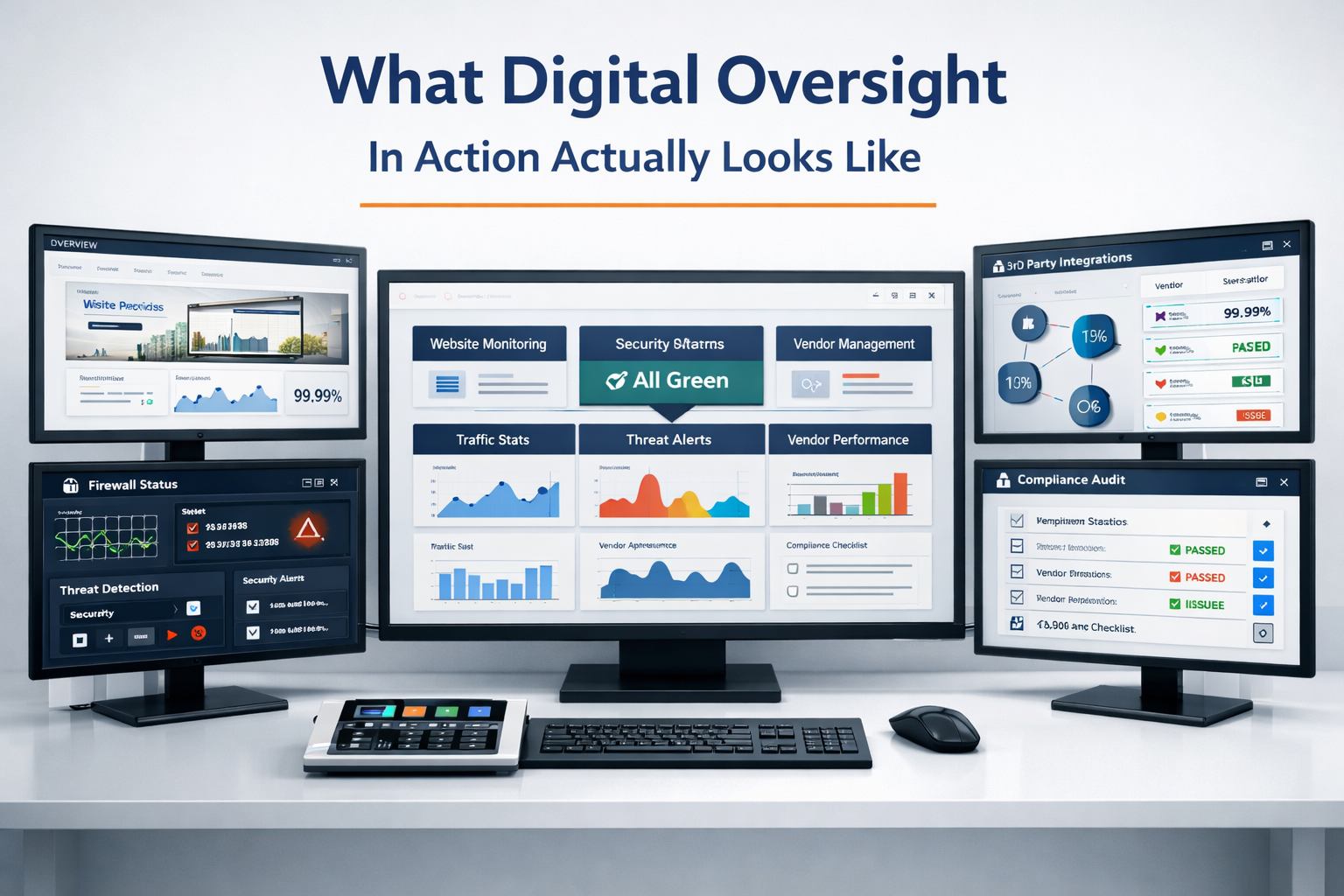
What Digital Oversight Looks Like in Practice
This is exactly the kind of invisible risk that falls through the cracks when nobody is watching the full picture. Your IT person handles the server. Your accountant handles the books. Your email just… exists. Nobody is looking at your forwarding rules. Nobody is checking if your credentials have been breached. Nobody is making sure your team has an SOP for financial transactions.
A Digital Oversight Partnership with Webmaster For Hire means someone is watching. Not just your website – your entire digital footprint. We review email configurations, flag security risks, help build SOPs that match how your business actually operates, and make sure the technology protecting your communication is configured correctly – not just installed. We do not watch every email that goes in and out. But we do provide direction, investigation and create the rules that are best to follow.
One more thing. Every single Webmaster For Hire client – not just retainer clients, all of them – has an open-door policy on suspicious emails. If you get an email that looks off, forward it to us. We check the sender address, review the headers if needed, and tell you whether it is safe to click. We have clients who do this all the time. 90% of the time, they’re scam or phishing emails. We respond once it’s identified one way or other. It takes us seconds. It could save you thousands.
Ready to Close the Gap in Your Email Security?
If you are using email for financial transactions, approvals, or sensitive communication – and you do not have a written process, an MFA requirement, and someone watching the security layer – you have a gap. That gap is where BEC lives.
Start by checking haveibeenpwned.com. Turn on MFA today. And if you want someone watching the bigger picture – your email security, your digital infrastructure, your team’s processes – learn about our Digital Oversight Partnership or explore our business email solutions through Microsoft 365.