TL;DR
- Most business owners can’t answer basic questions about their own website – who hosts it, what’s installed, who has access.
- This isn’t negligence. It’s what happens when no one person owns the digital layer of the business.
- Vendor transitions, staff turnover, and missing documentation are the three main culprits.
- The fix starts with a simple ownership inventory – knowing what you have, where it lives, and who controls it.
It’s amazing to me how many websites I’ve been paid for that never go live.
I built a site for an attorney in late 2024. Completed it within two months – with zero input from the client. The initial reviews came back positive. Then radio silence. A year of follow-up emails initially received a “promise to review” response or two. Then – radio silence, no more responses. Payment was completed in full. The site has never gone live.
Some professions run so hot that anything not billing hours gets dropped. Digital projects are easy to drop because the consequences aren’t immediate. The site doesn’t call to remind you it exists. It just waits – paid for, finished, doing nothing.
After 25 years of doing this work, that pattern is one of the most common things I see.
How Businesses Lose Track
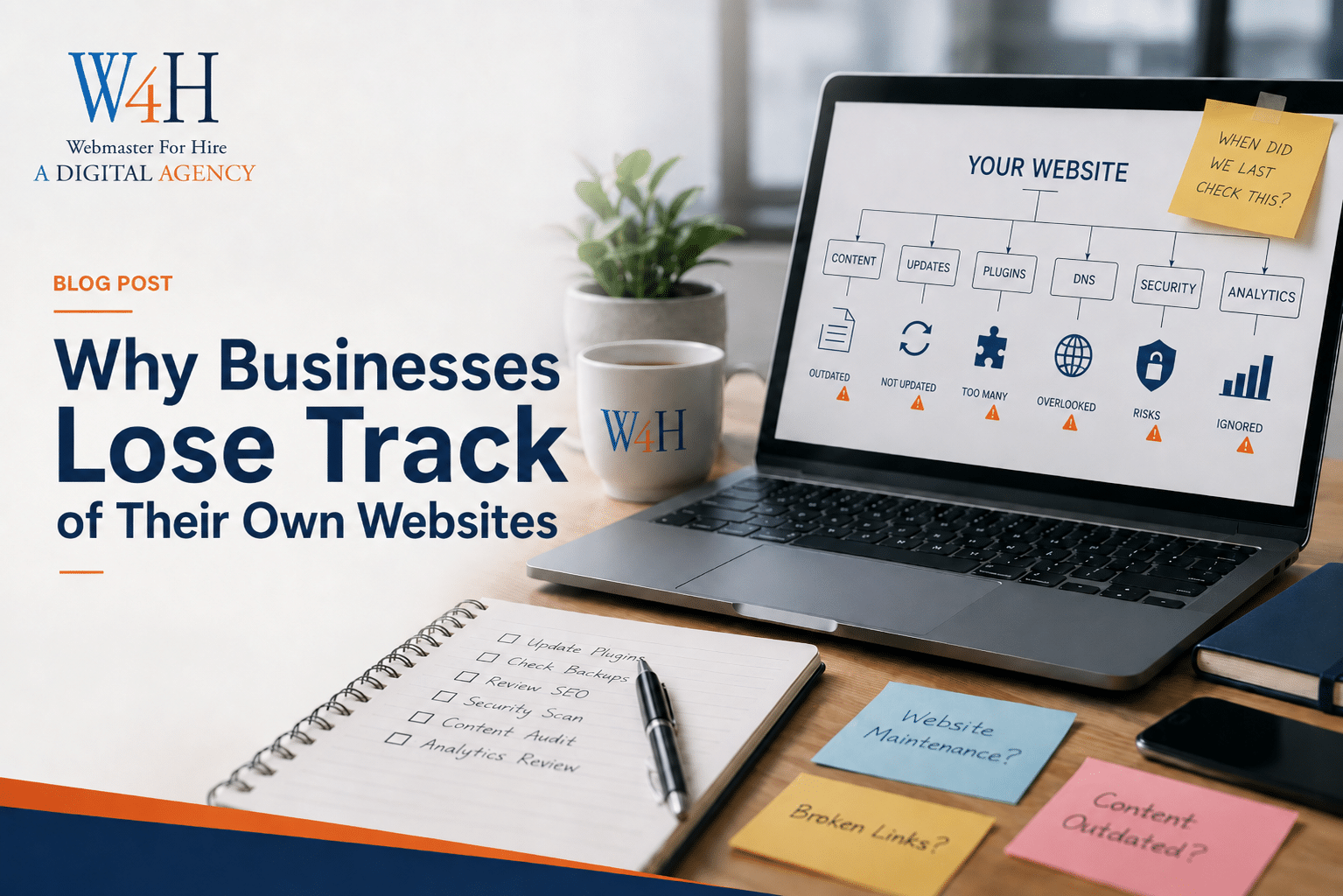
A website isn’t a one-time purchase. It’s a living system – and like any system, it requires someone to own it. When ownership is assumed instead of assigned, things fall through.
The three ways this happens:
Vendor transitions. The agency that built your site holds all the credentials. You move on – or they close shop, get acquired, or just stop responding. Nobody transferred access. Now you’re locked out of something you paid for.
Staff turnover. The employee who managed your website left two years ago. They took the login info with them, or it’s buried in an email thread nobody can find. The hosting account might still be in their name.
No documentation. Even when businesses do have the right people in place, there’s often no record of what they’re managing. Nobody wrote down where the site is hosted, what plugins are installed, when the SSL certificate (the security layer that keeps your site from showing “Not Secure” in the browser) expires, or who has admin access.
Any one of these creates a gap. All three together – and you’re starting from scratch every time something breaks.
What Gets Lost
When I start working with a new client who has an existing website, I ask them a short list of questions. Most can’t answer more than two or three.
- Who is your hosting provider?
- Do you have access to your hosting control panel (the admin interface where your site files live)?
- What’s the login for your WordPress dashboard?
- Who else has admin access to your site?
- What plugins are installed, and which ones have active licenses?
- When does your domain name expire?
- Is your SSL certificate current?
These aren’t advanced questions. They’re the equivalent of knowing where your office lease is filed. But because no one person was designated to hold this information, it scattered – across old emails, a former employee’s notes, a vendor’s system, or nowhere at all.
Why This Isn’t Negligence
Business owners aren’t failing at this because they don’t care. They’re failing at it because nobody told them it was their job.
Web design is marketed as a finished product. “We’ll build your site” implies a handoff with a bow on it. But what you actually receive is an ongoing operational responsibility – software to update, licenses to renew, backups to verify, access to protect.
Most agencies don’t walk clients through that. Most business owners don’t know to ask. So the site gets treated like a sign on the building – something that exists, not something that requires active management.
Nobody owns it. Nobody watches it. That’s the problem.
The Basic Ownership Inventory
This is a documentation project.
Here’s what you need to know about your own website:
Domain name:
- Where is it registered? (GoDaddy, Namecheap, Google Domains, somewhere else)
- When does it expire?
- Who has login access to the registrar account?
DNS:
- Who manages your DNS? (This controls where your domain points – your hosting, your email, everything)
- Do you have login access to that account?
- Do you know what’s in it, or is it a vendor’s system you’ve never seen?
Hosting:
- Who is your hosting provider?
- Do you have the login credentials?
- Is billing current and tied to an active card or email address?
CDN:
- Are you using a CDN – a content delivery network that speeds up your site and can add a layer of security? (Cloudflare is the most common)
- Do you have access to that account?
- Is it managed by you or a vendor?
Website platform:
- Are you on WordPress, Squarespace, Wix, or something else?
- Do you have admin access to your own site?
- Who else has admin access?
Installed tools and licenses:
- What plugins or add-ons are installed?
- Are any of them on paid licenses? Do you control those licenses, or does a vendor?
Backups:
- Is your site being backed up regularly?
- Where are those backups stored?
- Has anyone verified that they actually restore?
SSL certificate:
- Is it current? (Check in your browser – a padlock in the address bar means yes, a warning means no.)
- Who manages renewals?
If you can’t answer most of these, that’s the gap.
What Missing Documentation Actually Costs
Most business owners don’t think about this until something goes wrong. Then the costs stack up fast.
A hacked site with no verified backup means starting over. A domain that expires because billing went to a former employee’s email means your site disappears – and sometimes your email goes with it. A vendor who holds all your credentials and goes dark means a lawyer’s involvement before you can touch your own property.
I’ve seen all of these. More than once.
It happens because the digital layer of the business had no owner.
Can’t Answer Basic Questions About Your Own Website? That’s the First Thing We Fix.
The starting point is an access and documentation audit – finding out what you have, where it lives, and who controls it. It’s one of the first things I do with every Digital Oversight Partnership client. A lot less expensive before something breaks than after.
Schedule a consultation to get a clear picture of where things stand.